
A widescreen encounter
A widescreen encounter with room for both characters and their surroundings.
Create a Zombie Couple video from your photos. Choose your video settings and bring two familiar people into a cinematic reunion. The story moves from a tense cabin encounter to a warm field memory. Watch the examples below, then start with your own photos.
Zombie Couple AI is a photo-to-video generator that places you and your partner inside an AI zombie love story. A prepared scene supplies the action: one character remains human, while the other appears transformed but recognizable.
Each Zombie Couple video follows an emotional change: a tense encounter, a moment of recognition, an embrace, and a cut to a happier memory. The current story moves from a cold wooden cabin to a golden wheat field.
Unlike an AI zombie filter that changes a face, Zombie Couple combines identities, movement, and a setting into a short narrative. Your reference photos guide the characters; the model interprets the action.
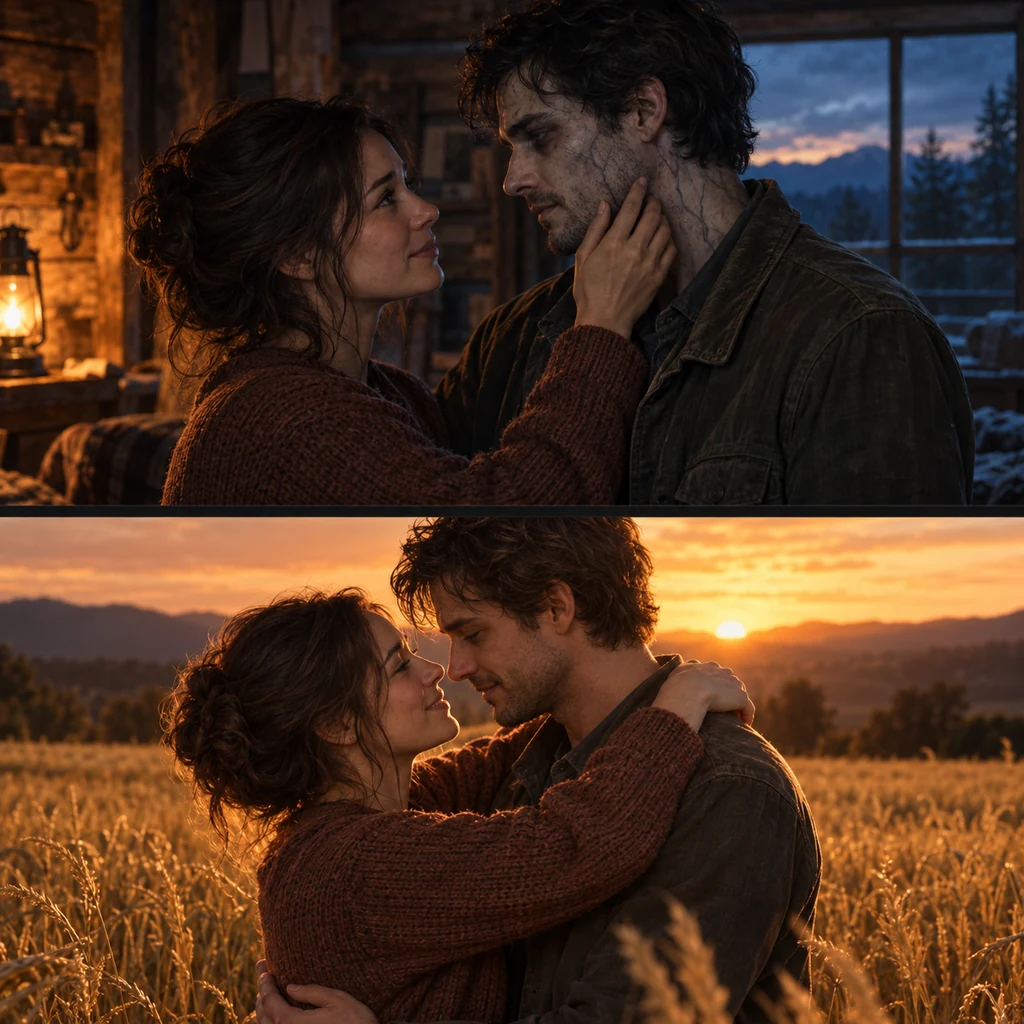
Watch three Zombie Couple clips before planning your own. Compare the wide compositions with the vertical close-up, then play each example to see how the framing shapes the story.
A widescreen encounter with room for both characters and their surroundings.
A second landscape example with a different pairing and transformation.
A vertical video example that brings facial expressions closer to the viewer.
Three steps, from your phone or computer.
Sign in and add one or two photos. Check who appears in each role.
Set the format, resolution, and length for your Zombie Couple video. The reunion story is ready to use.
Review the credit cost and generate your Zombie Couple video. Once it finishes, preview and download it from your history.
A Zombie Couple video gives romantic horror fans a different way to mark an occasion. Make the fictional reunion personal with familiar faces and a short message.
For an anniversary, add a date or shared memory to your post caption. A Zombie Couple story can also be a playful surprise for two adults who enjoy the AI zombie trend. The occasion comes from the people and the message you share.
For Halloween, a Zombie Couple costume can give your source photos a coordinated look. Try matching faded colors or zombie bride and groom costume details such as a light collar, dark jacket, or simple veil. Keep the eyes and face shape visible. These couple Halloween costumes are reference styling; select broad details instead of tiny lettering or jewelry that may change during the video interpretation.
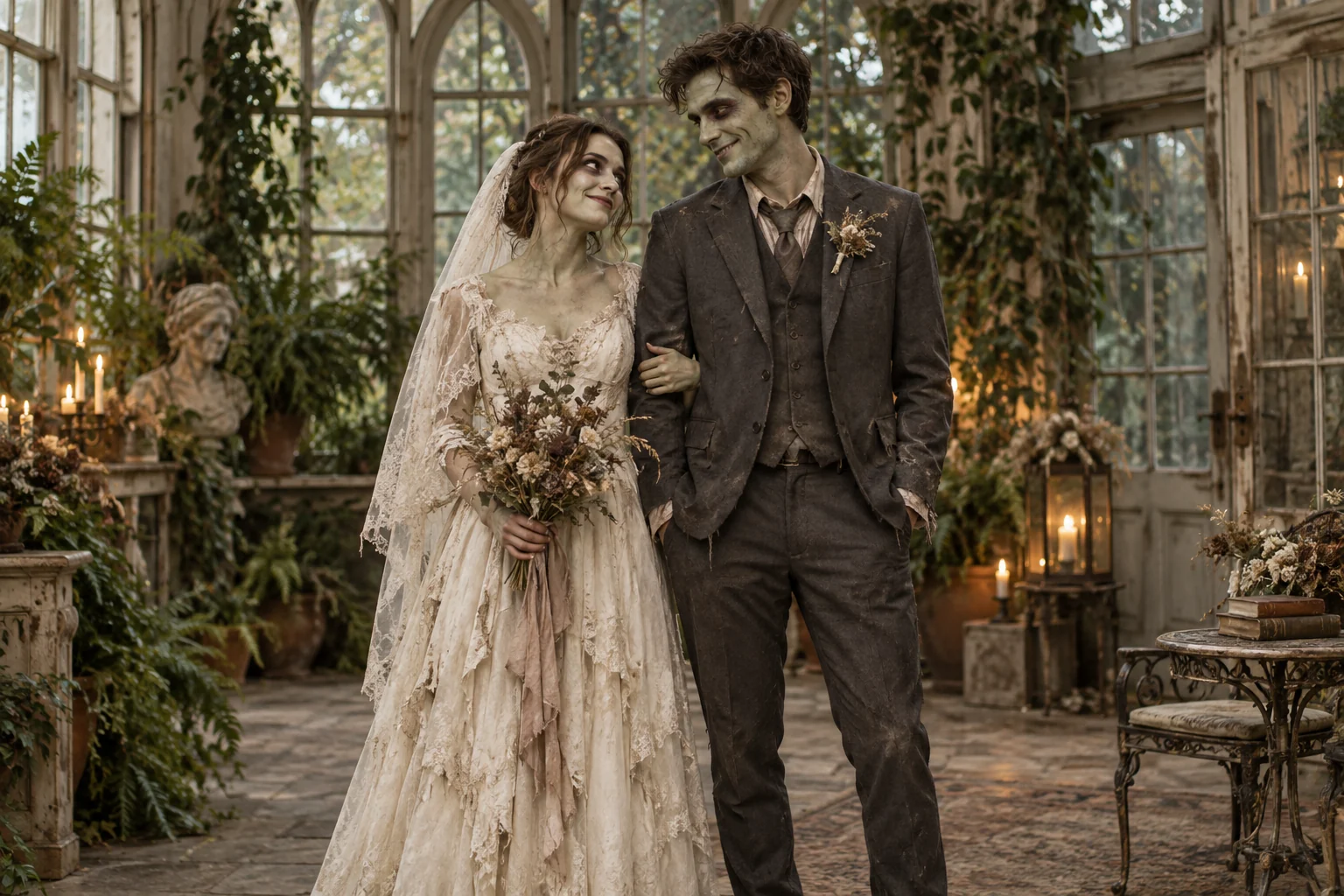
The Zombie Couple AI Generator brings a prepared story, reference photos, and your results together on one page.
Start with original photos for Zombie Couple. Screenshots and repeated compression can lose detail that helps the model interpret each person.
Check the supported formats and size limits beside the image control before uploading. Choose files from your device or select images already available in your library.
In the Zombie Couple AI Generator, the first reference identifies the human survivor and the second identifies the transformed partner. Use one adult per photo when supplying two images. Either adult can take either role; the prepared scene supplies the undead appearance. Use your own photos or pictures of adults who have agreed to appear.
Match the output to where you plan to watch it. The settings panel offers aspect ratio, resolution, and duration.
Watch the complete clip first, then replay the faces, embrace, and transition for a closer look.
During a Zombie Couple video preview, compare the faces with your original photos. Facial proportions, hair, and apparent age should remain recognizable as the characters move. Pause at the embrace to inspect hands, shoulders, and overlapping bodies.
Check that the same two people remain identifiable in the field, with the transformed partner appearing healthy in the memory. Review the last second as well as the main action. Choose the Zombie Couple result that works as a complete story.
When a Zombie Couple video misses the intended scene, identify the specific problem before generating again. Changing everything at once makes it harder to understand which adjustment helped.
Use half-body or full-body photos of adults with clear, unobstructed faces. Keep the body visible and avoid headshots or face-only crops. When supplying two references, use one person per photo; the images can be taken separately.
Yes. The tool accepts one or two reference images. With one photo, the first character has a supplied identity; the other is less directly guided. Use two separate photos when you want to reference both people.
Zombie Couple uses a prepared story. Your inputs are the reference photos and video settings; there is no custom prompt field. The cabin encounter and field memory are part of the scene supplied by the tool.
Yes. Open the website in a mobile browser, sign in, and select photos from your device or library. You can choose the output settings, generate, preview, and download without installing a separate app.
Zombie Couple uses credits for generation. The current cost appears in the generator before you submit; review it together with your balance. Available credit options are listed on the pricing page.
Choose an available clip length in the duration control before submitting. Generation time varies, so follow the request status in your history. A clip still processing is not ready to download.
Yes. Open the completed result in your history and use the download control. Check the saved file before posting, make clear that the scene is AI-generated, and obtain agreement from the people pictured.
When a task is confirmed as failed, its reserved credits are automatically released. A request still processing is not a confirmed failure. Contact support with the generation details if your balance looks incorrect after the task finishes.
No template is needed. Create your Zombie Couple video here by uploading your reference photos and selecting the available output settings.
Zombie Couple is designed around two adult human characters. Pet photos are not supported for these roles.
Choose the photos you want to bring into the story, review your settings, and start your Zombie Couple video. Your finished clip will be available to preview and download from your history.